Blog details
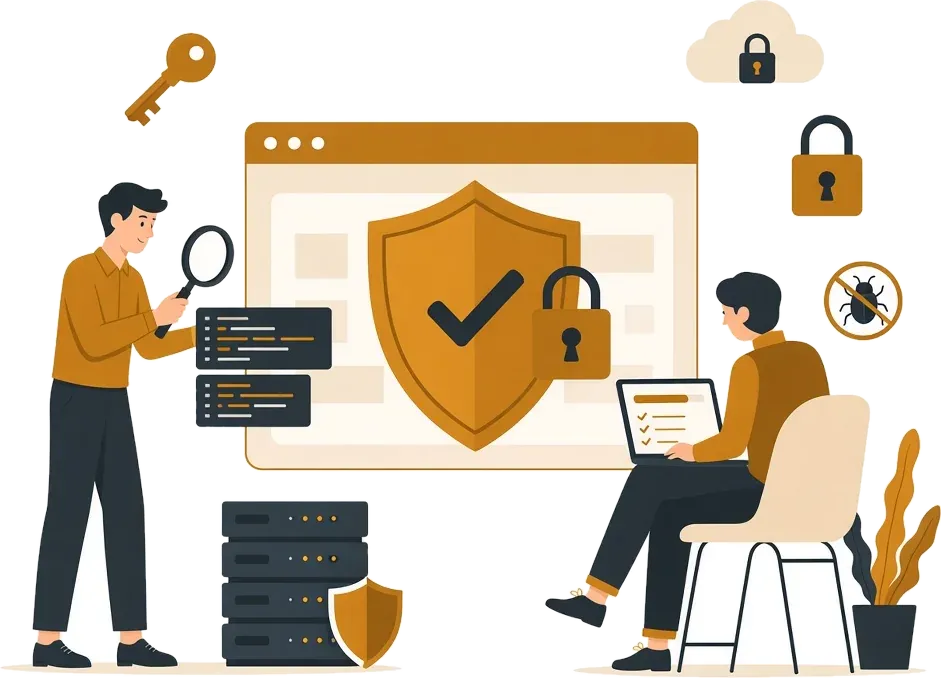


Many hacks never show on the home page. Learn the hidden signs, the right first steps, and the mistakes that make the damage worse.
Many people imagine a hack as a black page with a threatening message. In reality, most hacks today are silent: the attacker wants to use your site for as long as possible to send spam, redirect your visitors to scam sites, or steal data. So your site could be compromised right now without you noticing.
The signs to watch for
1. Google warns your visitors
A "This site may be hacked" message in search results, or a red browser page before visitors reach your site. This is one of the clearest signs, and it kills traffic immediately.
2. Strange search results under your domain
Search Google for site:yourdomain.com. If you see pages you do not recognise, with titles about drugs, gambling or counterfeit goods, spam pages have probably been injected into your site.
3. Visitors are redirected elsewhere
Sometimes the redirect only happens for visitors coming from Google or on mobile, while the site looks normal to you when you type the address directly. Ask someone else to search for your site and click through from the results.
4. Users you did not create
New administrator accounts in the dashboard that nobody on your team recognises.
5. Sudden slowness or unusual resource use
If your host tells you the site is suddenly using heavy resources, or your server is sending thousands of emails, it may be being used for something else.
6. Your emails land in spam
If messages from your domain start landing in your customers' spam folders, the domain may have been blacklisted because of email sent by the attacker.
7. Files or changes you do not recognise
Files with strange names in the site's folders, or unreadable code at the top of theme files.
8. Pop-ups and ads you did not add
Pop-up ads or hidden links at the bottom of pages.
9. Changed payment or contact details
In stores: a bank account or payment link different from the one you set. This is very serious because it steals your customers' money directly.
What to do right away
- Do not delete anything: infected files are evidence that helps find how the attacker got in. Random deletion may remove the symptoms and leave the door open.
- Change passwords: dashboard, hosting, database, email and FTP, from a clean device.
- Turn on two-factor authentication on every account that supports it.
- Keep a copy of the current state before making changes.
- Get a specialist to identify and close the vulnerability, then clean up and restore.
- Request a review from Google through Search Console after cleaning, to remove the warning.
Mistakes that make it worse
- Restoring an old backup without closing the hole: the site will be hacked again within days.
- Installing a security plugin and stopping there: plugins help, but they do not fix a flaw in the code.
- Ignoring it because the site "looks fine": the damage to your reputation and Google rankings keeps building.
Why do websites get hacked at all?
Most hacks are not a personal attack on you, but automated programs scanning the internet for known vulnerabilities. The most common causes: an outdated theme or plugin, a weak or reused password, "free" pirated plugins carrying malicious code, and file permissions that are more open than they should be.
How to monitor your site without technical skills
- Google Search Console: add your site for free, and Google will email you if it detects malware or spam pages.
- Uptime monitoring: free services that message you if your site goes down or its home page changes suddenly.
- Login alerts: turn on an email notification for every dashboard login from a new device.
- A monthly search: run a
site:search for your domain once a month and compare the page count with what you know.
What about customer data?
If your site stores customer data (names, numbers, addresses, orders) and you confirm the attacker reached it, the honest thing is to tell affected customers what happened, what you have done, and what they should do (such as changing their password if they reuse it elsewhere). Being open at that moment preserves customer trust better than silence, and Egypt's Personal Data Protection Law places obligations on anyone who collects and processes personal data.
Prevention is always cheaper
The cost of cleaning a hacked site, the lost time and the lost customer trust are far greater than the cost of regular maintenance. Read our basic website security checklist to see what should already be in place.
The bottom line
If you notice any of these signs, act quickly but calmly: do not delete, change passwords, and get specialist help. At Golden Code we offer a website security audit and hardening service and handle urgent hack cases. Contact us on WhatsApp if your site is hacked right now.