Blog details

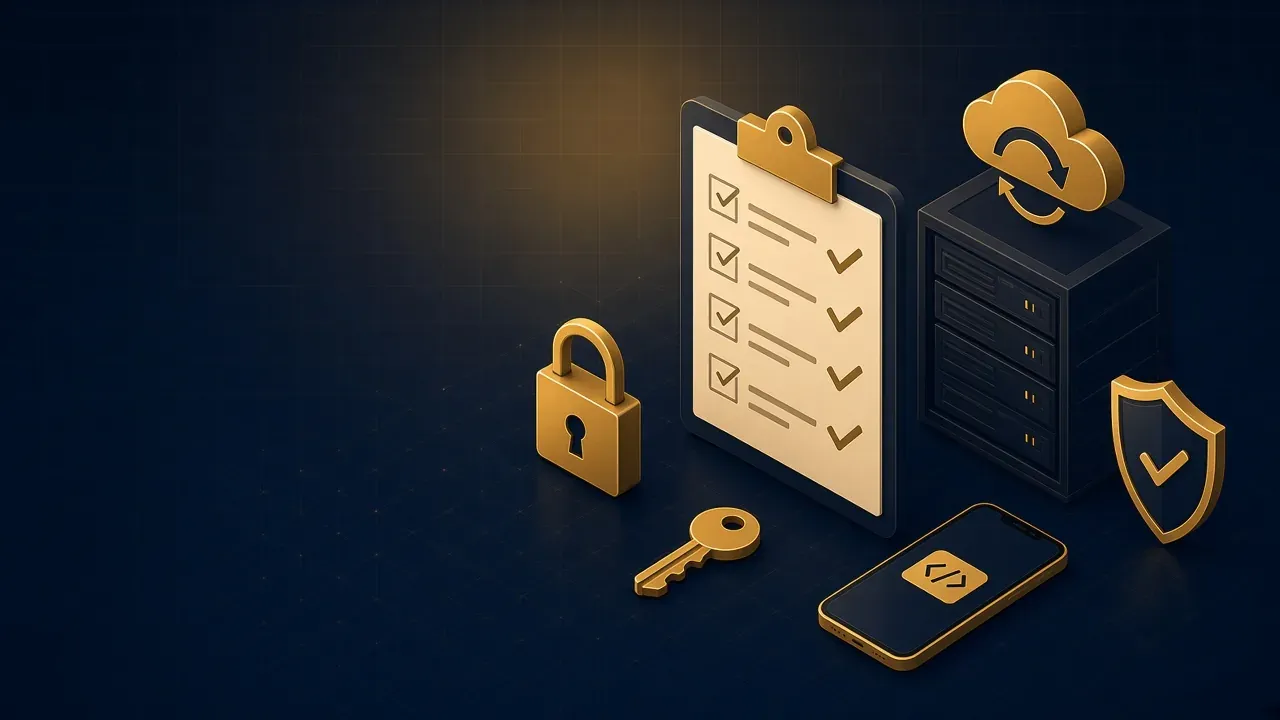

From SSL to backups and two-factor login: a practical checklist you can review with your developer today to cut the risk of a hack dramatically.
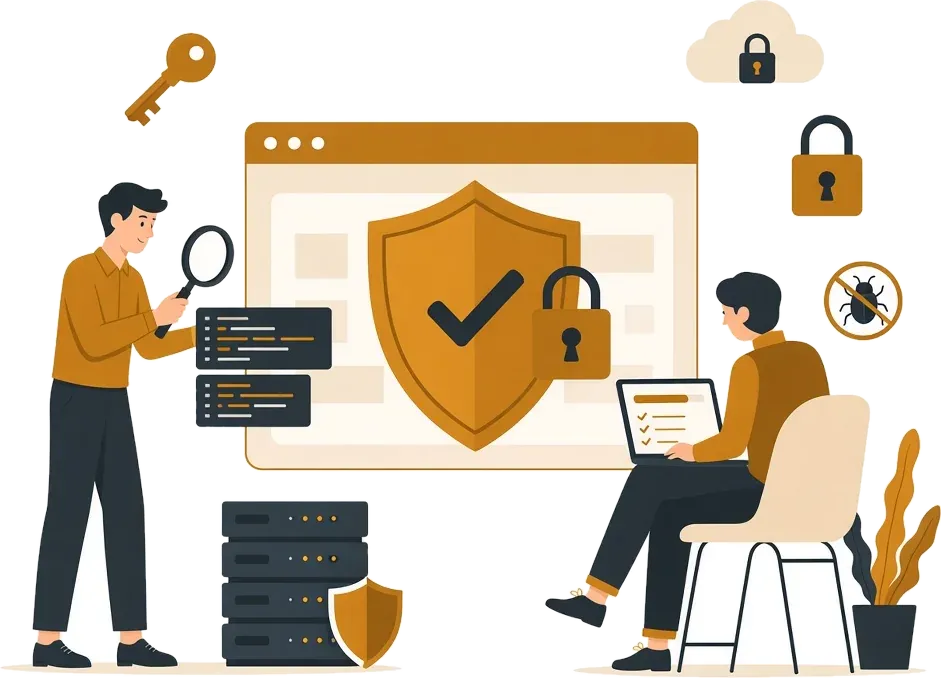
No website is 100% secure, but there is a big difference between a site that can be broken into in minutes and one that takes more effort than an attacker thinks it is worth. Most attacks are automated and look for easy targets, so getting the basics right alone takes you out of the biggest risk group. Here is a checklist you can review with your developer or hosting company.
Accounts and passwords
1. Strong, unique passwords
A different password for every account: dashboard, hosting, email and database. Use a password manager instead of memorising them or keeping them in a file.
2. Two-factor authentication
Turn it on for the dashboard, hosting, email and domain registrar. Even if a password is stolen, it will not be enough to get in.
3. Least-privilege access
A content writer does not need administrator rights. Remove accounts of former staff and developers whose work has ended, immediately.
Updates and components
4. Update everything regularly
The CMS, themes, plugins and the server's programming language. Most hacks exploit known vulnerabilities that have had fixes available for months.
5. Remove what you do not use
Every unused plugin or theme is another potential door, even when disabled.
6. No pirated plugins
"Free" copies of paid plugins often carry built-in malicious code. What you save today, you pay for twice later.
Connection and server
7. SSL and redirecting all traffic to HTTPS
The padlock is not just cosmetic; it protects form data and passwords in transit. And Google prefers secure sites in its rankings.
8. Security headers
Simple server settings that stop your site being embedded in other sites and reduce the risk of script injection. You can check them for free at securityheaders.com.
9. Hide sensitive files
Configuration files, database passwords and backups must never be downloadable from a browser.
Protection against code flaws
10. Protect your forms
Every form (contact, sign-up, search) should validate input on the server, limit the number of attempts, and block automated spam.
11. Protect the login
Limit failed attempts, add a temporary lock after repeated failures, and use error messages that do not reveal whether an email is registered.
Preparing for the worst
12. Daily off-server backups
A daily backup of files and database, stored somewhere separate from the server, keeping several previous days. Most importantly, test a restore at least once. An untested backup may not work when you need it.
If you run an online store
Stores are a favourite target because they handle money. On top of the above:
- Never store card details on your server; leave that to a certified payment gateway.
- Make sure payment confirmation comes from the gateway directly to your server, not from the customer's browser, so a "paid" order cannot be faked.
- Watch for unusual orders: large quantities, or repeated shipping addresses under different names.
- Review who can change prices and bank-account details.
How often to review this list
- Weekly: updates, and checking that backups succeeded.
- Monthly: review users and permissions, and run a
site:search on Google. - Yearly, or after any major change: a full security audit by a specialist.
What if your site is custom-built?
Sites built on frameworks such as Laravel or Next.js do not suffer from the same plugin problems, but they have their own risks: flaws in permission logic, APIs that expose more data than they should, or outdated libraries. Here you need a review of the code itself, not just an automated scan.
The bottom line
Security is not a product you buy once; it is a habit. Apply these twelve steps, review them regularly, and you will be in a better position than most websites. If you want a full audit with a clear, prioritised report, read about our cyber security service, and see also the signs your site has been hacked.