Blog details


A free Google profile that can bring more calls than your website: setup, verification, categories, photos, reviews, and the mistakes that hide you.
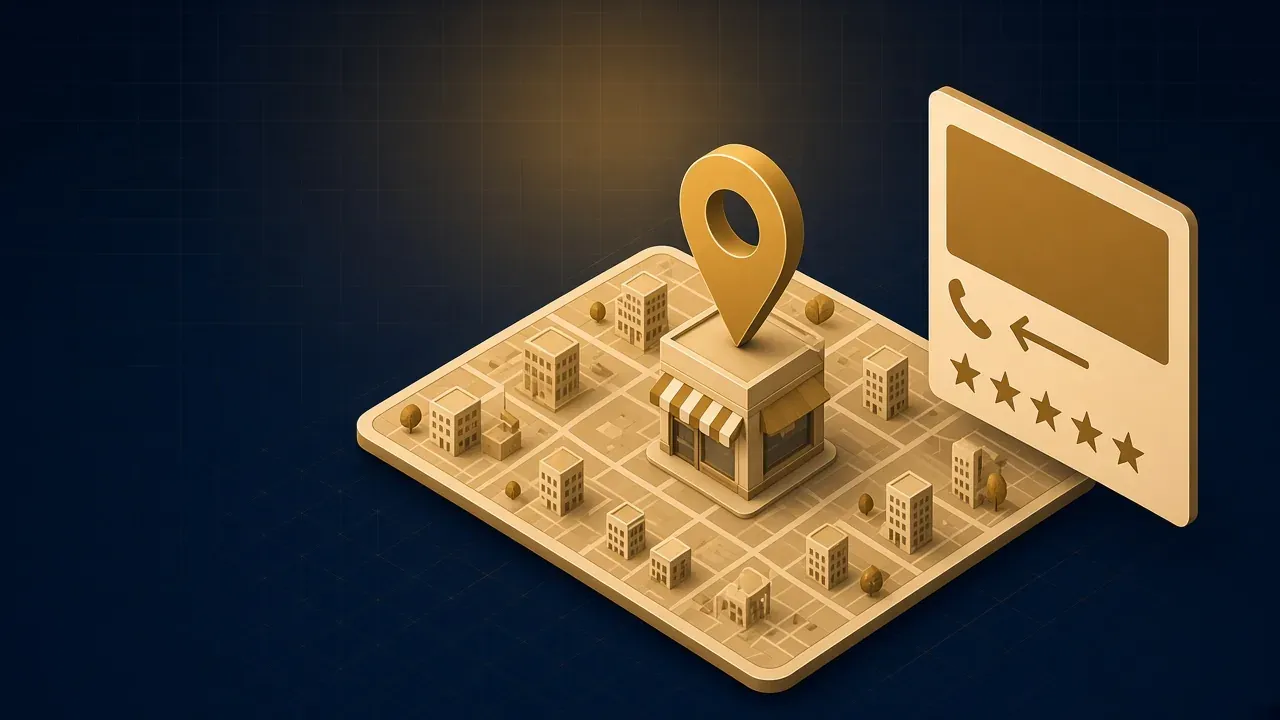
When someone searches for "restaurant near me" or "AC repair in Nasr City", a map with three businesses appears at the top of the results. That space comes from Google Business Profile, and it is completely free. For many local businesses, this profile brings more calls and visits than the website itself.
Who needs this profile?
- Any business with a place customers visit: a clinic, restaurant, showroom or office.
- Any business that serves a specific area even without premises customers visit: maintenance, delivery, construction.
- Service companies that customers search for by city, such as "software company in Cairo".
Step 1: create or claim the profile
Go to business.google.com with a Google account that belongs to the company (not your personal account, and not an employee's account that could leave). Search for your business name; sometimes Google has already created a profile automatically, so claim it instead of creating a duplicate.
Step 2: name and category
Name: use your real business name exactly as it appears on your sign and official documents. Adding words like "best cheap software company" to the name breaks Google's policies and can get the profile suspended.
Primary category: the most important setting on the profile. Choose the most precise one, such as "Software company" rather than "Company". Then add secondary categories that describe your other services.
Step 3: address and service area
If customers visit you, add the exact address and check the pin on the map. If you go to customers, hide the address and set the areas you serve.
Step 4: verification
Google asks for proof that the business is real, by phone call, text, email or a short video showing the place, the sign and your tools, depending on what is offered for your business. Without verification, the profile will not appear in results.
Step 5: complete every detail
- Opening hours: accurate, including public holidays. Nothing annoys customers more than arriving at a closed door.
- Phone and website: the same number as on your website.
- Description: a clear paragraph on what you offer, to whom and where, in natural language.
- Services or products: add them by name, with approximate prices if possible.
Step 6: photos
Profiles with real photos get more engagement. Add your logo, a cover photo, photos of the premises inside and out, team photos and examples of your work. Avoid stock photos from the internet; customers want to see the real place.
Step 7: reviews
Reviews are among the strongest factors for both visibility and trust.
- Ask happy customers for a review right after the job is done, and send them the direct review link.
- Reply to every review: thank positive ones briefly, and answer negative ones calmly and professionally with an offer to fix the problem.
- Never buy fake reviews or offer anything in exchange for one; it breaks the rules, and Google may delete reviews or suspend the profile.
Step 8: keep the profile active
Post updates, offers and new work photos regularly, and answer the questions people ask on the profile. An active profile signals to Google that the business is alive and worth showing.
How to tell whether the profile is working
The profile dashboard shows useful statistics: how often you appeared in search and on Maps, for which queries, and how many people called, asked for directions or visited your website from the profile. Review them monthly: if visibility is high but calls are low, look at your photos, description and reviews; if visibility itself is low, check your category, service area and how complete your details are.
A ready-made review request
Keep the request simple and personal, for example: "Thank you for trusting us, Mr Ahmed. If you were happy with our work, we would really appreciate a Google review at this link; it helps other customers find us." Send it right after delivery, while the experience is fresh in the customer's mind.
Mistakes that hide you from results
- A name, number or address that differs between the profile, the website and social pages.
- Duplicate profiles for the same business.
- A generic or inaccurate primary category.
- Ignoring negative reviews without replying.
How the profile connects to your website
The profile and the website strengthen each other: the website link on the profile sends interested visitors, and a website with the same details, clear service pages and structured data helps Google trust the profile. That is why every site we build includes business structured data in the same format as the profile.
The bottom line
Google Business Profile is one of the cheapest and fastest ways to become visible locally. Create it, verify it, complete it, and collect reviews regularly. If you want help setting it up as part of a complete visibility plan, read about our SEO service, or our SEO guide for Egyptian businesses.