Blog details


Short answer: ChatGPT Business is OpenAI's self-serve workspace for teams. It is the right starting point when your staff need a shared, admin-controlled place to draft, research and work with company context, and when a personal Plus account is no longer appropriate for work data. It is not a replacement for a custom system when a customer, an order, a warehouse or a public website has to talk to your own software. In that case you still need a custom build on the API, with your rules and your records.
By Mohamed Samy, senior backend developer specializing in Laravel/PHP, with seven years of experience. Published: 16 November 2026. Updated: 16 November 2026.
This is not legal, financial or compliance advice, and it is not a substitute for OpenAI's official terms or for counsel on Egypt's personal data rules or Gulf privacy requirements. Seat prices and plan features change; confirm the figure and the limits shown to you on OpenAI's official pages before you buy.
The question I hear most often now, from a trading office in Mohandessin to a clinic group in Riyadh or a services firm in Dubai, is not "what is ChatGPT?" It is "should we buy ChatGPT Business for the team, or should we pay someone to build us a system?" Those are two different jobs. Golden Code builds custom systems from scratch; we do not resell ChatGPT seats, and we do not publish a fixed package price for an AI project. This guide is how I would walk a client through the choice, using only what OpenAI published on its official pages, checked on 16 November 2026.
What ChatGPT Business actually is
ChatGPT Business is a self-serve workspace plan for organisations that want a shared ChatGPT environment for their staff, with admin controls for users, usage and billing. OpenAI's product page describes a secure workspace with shared company context, plugins, flexible seats, single sign-on and multi-factor authentication. It is a workplace tool for your people. It is not, by itself, a chatbot on your website, a WhatsApp number, or a connection to your inventory.
OpenAI's ChatGPT Business overview, checked on 16 November 2026, states that ChatGPT Team was renamed to ChatGPT Business on 29 August 2025. If your team is still searching for "ChatGPT Team", that is the same plan under the current name. Later pricing and seat options can still change, which is why the figures below should be re-checked on the official pages at the time you buy.
The same overview describes two seat types that you can mix in one workspace:
- Standard seats, for everyday work, with access to ChatGPT, ChatGPT Work and Codex.
- Premium seats, with higher usage limits, no five-hour usage limit, and access to additional Premium features that OpenAI lists for eligible markets.
A seat is paid capacity. A workspace owner buys seats and then assigns them to people. OpenAI requires at least two Standard or Premium seats in total (two of either type, or one of each). On its ChatGPT pricing page, OpenAI says Go, Free and Plus are designed for individuals, and that Business and Enterprise are for businesses, with Business plans available starting at two users. A separate business pricing comparison, also checked on 16 November 2026, describes ChatGPT Business as a plan for teams of 2–200 employees.
Enterprise is a different, sales-led plan. OpenAI points teams that need SCIM, role-based access controls or data residency to contact sales. If you need invoice billing, a purchase order, bank transfer, Zero Data Retention, a business associate agreement or other contracted terms, OpenAI's overview says to use a contracted offering rather than self-serve ChatGPT Business.
Official seat prices, checked on 16 November 2026
I am quoting OpenAI's published USD figures, not an unofficial Egypt or Gulf conversion, and not a third-party "price in EGP" page. OpenAI itself notes that pricing may vary by country and currency. Confirm the amount shown to you on the official ChatGPT Business pages before you pay.
| Seat type | Monthly, per user, USD | Annual, per user, USD (billed annually) | What OpenAI says it includes |
|---|---|---|---|
| Standard | $25 | $20 | ChatGPT, ChatGPT Work and Codex, at the baseline included limits |
| Premium | $125 | $100 | The same access, with higher usage limits and no five-hour usage limit |
You can mix Standard and Premium seats in the same workspace and reassign them. Usage beyond the included limits can be extended with workspace credits, which OpenAI bills as flexible pricing. I will not invent a credit rate here; that belongs on OpenAI's official rate cards.
Two further official facts matter for anyone who thinks "the Business plan already includes an API we can plug into the website":
- OpenAI's ChatGPT Business overview states that ChatGPT Business is separate from the API platform, and that a ChatGPT Business subscription does not include API usage. API usage is billed separately.
- OpenAI's business pricing page, checked on the same day, mentions a possible API credit benefit with eligibility rules, and says the benefit is subject to change or discontinuation. Treat any credit offer as something to confirm on the official page, not as a substitute for a real API integration.
A further change was already on that business pricing page on 16 November 2026: starting in December, plan usage will have a shared limit across ChatGPT and Codex. Confirm the date and the details on the official page when you plan seats for a busy month.
A personal Plus account is not a company workspace
Free, Go, Plus and Pro are individual plans. OpenAI's pricing page lists, for those personal plans, that content is used to train models with an opt-out available. That is a different default from a Business workspace.
I still see companies in Egypt and the Gulf running their daily work on one person's Plus login: offers, customer spreadsheets, draft contracts, even ID scans. That is convenient, and it is a poor way to handle other people's data. A Business workspace gives you a dedicated environment, central billing, and admin controls. OpenAI's product page says workspace data is not used to train its models. The more precise wording on OpenAI's enterprise privacy page, updated 8 January 2026 and checked on 16 November 2026, is that business data from ChatGPT Business, ChatGPT Enterprise and the API platform is not used for training by default, unless you have explicitly opted in to share it.
OpenAI's enterprise privacy page, checked on 16 November 2026, says that in a ChatGPT Business workspace end users can view their own conversations, and that workspace admins can view, access, export and delete those conversations. OpenAI's help article on managing data, sharing, and privacy in ChatGPT Business, and the ChatGPT Business general FAQ, however, say that by default admins and owners cannot see all private member chats, and that a workspace owner may export a member's data when that option is available. Confirm the live official wording for the controls you actually have before you brief the team. Encryption is described as TLS 1.2 in transit and AES-256 at rest, and OpenAI states that ChatGPT Business has completed a SOC 2 Type 2 audit.
None of that, on its own, makes the workspace compliant with Egypt's Personal Data Protection Law, or with the privacy rules that apply to your company in Saudi Arabia or the UAE. Those duties still sit with you. If a file would be painful to explain to a customer, a regulator or a partner, it does not belong in a personal chatbot account, and it may not belong in a Business workspace either until counsel has reviewed the use.
When ChatGPT Business is enough
Start here when the work is internal and the output is something a person will still review:
- Drafting emails, proposals, job descriptions or policy wording, from material the company is allowed to share with the workspace.
- Research and summaries that do not have to be written back into your ERP, clinic system or store.
- A shared place for the team to work with company context, instead of five personal accounts and a WhatsApp group of screenshots.
- Early experiments, so you learn what the team actually uses before you fund a custom build.
If that is the whole job, buy the official workspace, set an owner, and stop there. You do not need a custom "AI employee" for a team that only needs a secure place to write.
When you still need a custom build
A workspace does not become a business system just because the answers sound confident. You need a custom build when the software has to read or write your real records, or when a customer is on the other side of the conversation.
Typical cases I scope in Egypt first, then the Gulf:
- A chatbot on your website that must answer from live prices, stock, appointments or policies, not from a pasted document that went stale last week.
- A customer channel on WhatsApp, which has its own official rules and fees. That is a different project, and it belongs in our WhatsApp AI chatbot guide for businesses in Egypt and the Gulf.
- Software that decides a next step and then takes it inside your systems: checking an order, opening a ticket, booking a slot. That is an AI agent for business, not a chat window for staff.
- A repeated back-office workflow, such as reading invoices or routing approvals, which we cover in the AI automation guide for businesses in Egypt and the Gulf. If the team already stitches tools together in n8n, the hosting and security choices are in our n8n self-hosted vs cloud vs custom code guide.
- Customer, employee or financial records that should stay in a system you control, with logs, permissions and a human approval before any message leaves the building.
In those projects the model is only one part. The work is the integration, the permissions, the logs, and the fallback when the model is wrong. OpenAI's API documentation, including its guide to data controls on the API platform, states that API data is not used to train or improve models as of 1 March 2023, unless you explicitly opt in, and that abuse-monitoring logs are retained for up to 30 days by default. Zero Data Retention is a separate, approval-based control, not something I will promise from a Business seat.
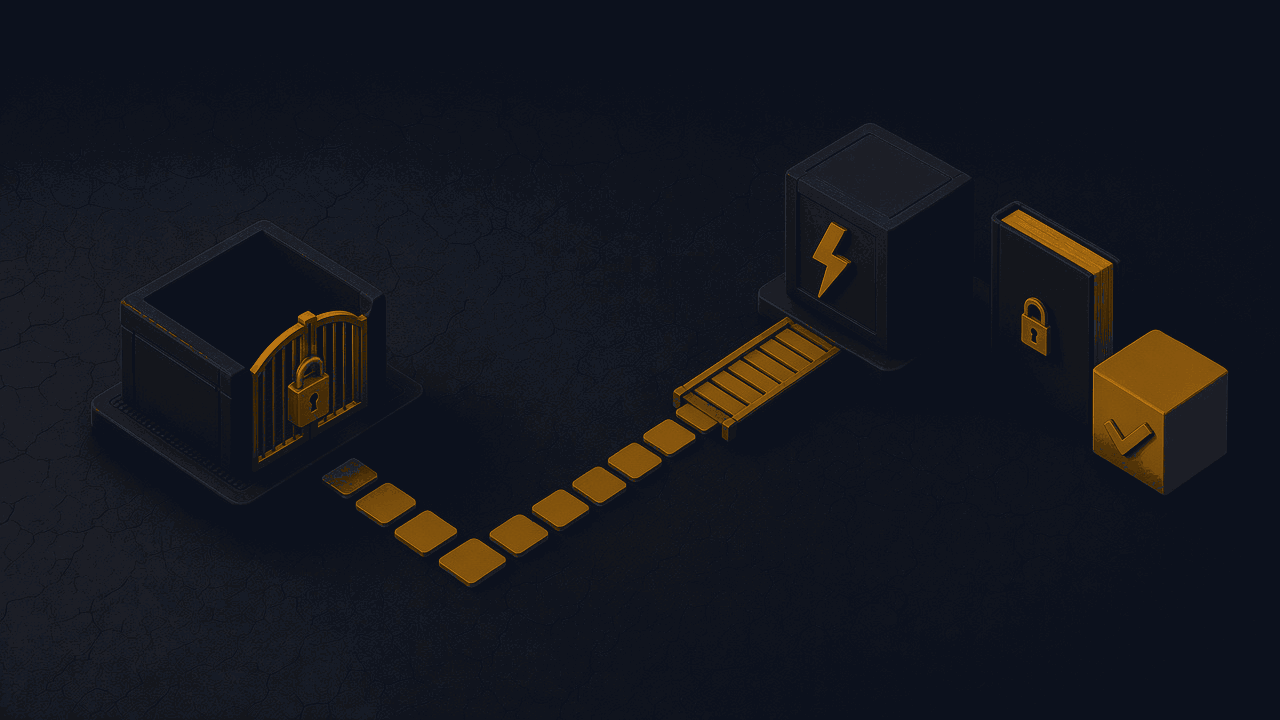
Data residency and the Egypt and Gulf question
OpenAI's official plan comparison, checked on 16 November 2026, lists data residency as an Enterprise feature, not a ChatGPT Business feature. The regions named on that comparison are the United States, the EU, the UK, Japan, Canada, South Korea, Singapore, India, Australia and the UAE. Egypt and Saudi Arabia are not in that published list. I will not invent a local data centre, and I will not tell you that "Enterprise in the UAE" automatically covers a company whose records must stay in Egypt or Saudi Arabia. Confirm the current regions and the eligibility rules on OpenAI's official pages, and take advice from counsel on your own transfer and hosting duties.
OpenAI also states that it can execute a Data Processing Addendum for ChatGPT Business, ChatGPT Enterprise and the API, in support of GDPR and other privacy laws. That is a contract tool, not a substitute for Egypt's Personal Data Protection Law, and not a green light to paste a customer's file into a chat.
How to decide in 6 steps
Step 1: Write down the work you actually want the AI to do
List the jobs, not the tools. Separate internal drafting and research from anything a customer will see, and from anything that must read or update an order, a booking, a payroll file or a stock record. If the list is only internal writing, a Business workspace is usually the first honest test.
Step 2: Stop putting company and customer data into personal ChatGPT accounts
Move work off individual Free, Go, Plus or Pro logins. Those are personal plans, and OpenAI's pricing page treats training on that content as an opt-out, not as a business default. Agree, in writing, which kinds of files may never be pasted into a chatbot, including identity documents and anything you would not put in a shared email thread.
Step 3: If the work is internal, start with an official ChatGPT Business workspace
Create the workspace from OpenAI's official Business pages, not from a shared password or a resold account. Confirm the current Standard and Premium seat prices, the two-seat minimum, and whether you need any Premium seats for heavier usage. Re-check the official figures on the day you buy, because published prices and limits change.
Step 4: Appoint an owner and turn on the admin controls before the team rushes in
Name a workspace owner, turn on single sign-on and multi-factor authentication if you have them, and decide who may invite colleagues. OpenAI's enterprise privacy page says workspace admins can view, access, export and delete conversations, but its ChatGPT Business help articles say that by default admins and owners cannot see all private member chats, and that a workspace owner may export a member's data when that option is available. Confirm the live official wording for the controls you actually have before you brief the team. Set a simple retention rule and a short list of approved uses, and keep billing in the company's own payment method.
Step 5: Decide what must live in your own systems instead of in a chat workspace
Anything that has to stay in sync with your website, store, clinic system, accounting or warehouse belongs in software you control. A Business subscription does not include API usage, and a pasted spreadsheet is not an integration. Mark those items as a custom build, even if the team keeps ChatGPT Business for drafting.
Step 6: Scope the custom part before you buy a bot template
If you need a website bot, a WhatsApp channel, an agent that takes actions, or a workflow that writes to your database, describe the systems, the approvals and the fallback when the model is wrong. Ask for a custom technical quote on that scope. Do not start with a ready-made "AI employee" package and hope it will connect later.
FAQ
Is ChatGPT Business the same as ChatGPT Team?
Yes. OpenAI's ChatGPT Business overview, checked on 16 November 2026, says ChatGPT Team was renamed to ChatGPT Business on 29 August 2025. The rename itself did not change the plan, but later pricing and seat options can still change, so confirm the current official pages before you buy.
Does a ChatGPT Business subscription include the API?
No. OpenAI's official overview states that ChatGPT Business is separate from the API platform, and that a Business subscription does not include API usage, which is billed separately. Any promotional API credits should be confirmed on OpenAI's official pricing pages, because OpenAI says that benefit can change or be discontinued.
Is our company data used to train OpenAI's models?
For ChatGPT Business, ChatGPT Enterprise and the API platform, OpenAI's enterprise privacy page says business data is not used for training by default, unless you have explicitly opted in to share it. Personal plans such as Free, Go, Plus and Pro are listed on the pricing page with training as an opt-out. Confirm the wording on the official pages for the plan you actually use.
When is a custom AI system a better fit than ChatGPT Business?
When the software must talk to your real records, or to a customer on your website or WhatsApp, or when it must take an action inside your systems rather than only draft text for a staff member. ChatGPT Business remains useful for internal writing even when you also commission a custom build for those operational jobs.
Can we just use a personal ChatGPT Plus account for work?
OpenAI designs Plus as an individual plan, not as a company workspace. It does not give you the admin, billing and default business-data training terms of a Business workspace, and it is a poor place for customer or employee files. If several people already share one Plus login, move that work to an official Business workspace or to a system you control.
Does ChatGPT Business make us compliant with Egypt's data protection law?
No. A Business workspace adds official business-plan privacy terms, admin controls and, according to OpenAI, a SOC 2 Type 2 audit, but it does not replace counsel, and it does not include the data residency feature OpenAI lists for Enterprise. Your duties under Egypt's Personal Data Protection Law, and under the privacy rules that apply in your Gulf market, still sit with you.
Sources
Official pages checked on 16 November 2026:
- ChatGPT Business product page
- ChatGPT plans and pricing
- Data controls in the OpenAI API platform
- Enterprise privacy at OpenAI
- Managing data, sharing, and privacy in ChatGPT Business
- ChatGPT Business: General FAQ
Seat prices, the Team-to-Business rename, the two-seat minimum, the API billing split, the official wording on admin access to conversations, default training terms and the Enterprise-only data residency region list were taken from OpenAI's official ChatGPT Business overview, business pricing comparison, enterprise privacy page and ChatGPT Business help articles on the same day. Those help and marketing hosts sometimes block automated fetchers; confirm the live wording yourself on OpenAI's official site before you rely on a figure.
Want a custom technical quote?
If you want help choosing between a Business workspace and a custom integration, or scoping a bot, an agent or a workflow that talks to your systems, we can send you a custom technical quote after a short inventory of the work and the systems you already use. We do not resell ChatGPT seats, and we do not publish a fixed package price.