Blog details


AI automation for business in Egypt, Saudi Arabia and the UAE: which workflows to automate first, ready tools vs custom, and how to launch safely.
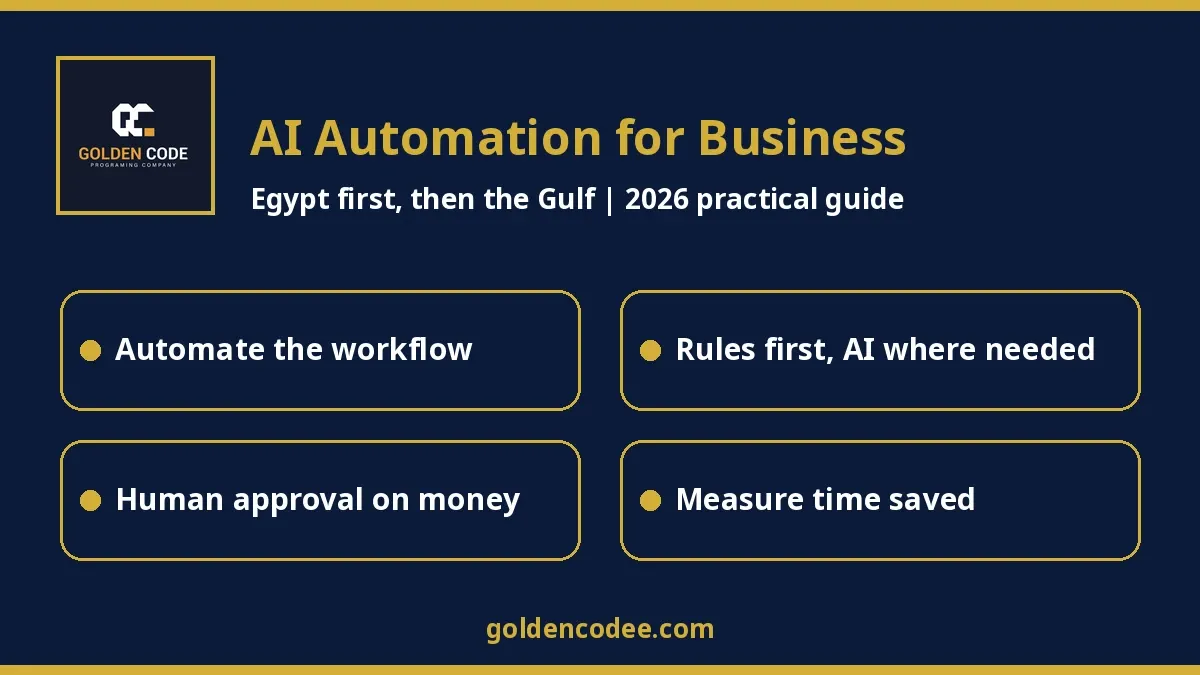
Short answer: AI automation for business means taking a workflow your team repeats every day (entering invoices, routing leads, confirming orders, chasing approvals, building the daily report) and having software run it end to end. Clear rules handle most of the steps, and AI handles only the messy parts, like reading a scanned invoice or sorting an email. In Egypt and the Gulf, the projects that pay off start with one boring, high-volume workflow, connect it properly to the systems you already use, and keep a human approval wherever money or customers are involved.
By Mohamed Samy, senior Laravel/PHP backend developer (7 years). Published: 28 October 2026. Last updated: 28 October 2026.
When a business owner tells me "we want AI", I ask them to show me their Excel sheets and their WhatsApp groups. That is where the real work lives. Somebody copies orders from one screen to another, and somebody else spends Sunday morning building a report by hand. A manager approves purchase requests by replying "ok" in a chat that nobody can search later. None of that needs a clever chatbot. It needs a workflow that runs by itself and only asks a person when a decision is actually needed.
This guide is for owners and operations managers in Egypt first, and then Saudi Arabia, the UAE, Kuwait, Qatar, Bahrain and Oman. It is about automating workflows. If you want an assistant that reasons and takes actions on its own, read our guide to a custom AI agent for business. If your main need is answering customers on WhatsApp, our custom WhatsApp AI chatbot guide covers that. Here we focus on the work that happens behind the conversation.
Where businesses in the region actually stand
Search interest tells part of the story. In Google Trends over the last 12 months, "ai automation" in the UAE averaged about four-fifths of the interest in "website design", our usual comparison term, though it has dipped in recent weeks. In Saudi Arabia and Egypt, people search the Arabic word for automation (أتمتة), and Google's suggestions show what they mean by it: administrative processes, accounting processes, HR and repetitive tasks. Exact search volumes are not available to us, so I treat this as a direction, not a number.
Published surveys point the same way:
- A Korn Ferry survey of 105 HR leaders across the six GCC countries found that 49% of organisations are piloting AI in selected functions. The barrier they cited most was technology integration (61%) (Korn Ferry GCC report 2026).
- A Gallagher survey of 100 senior decision makers in Saudi Arabia and the UAE found that 62% are increasing investment in AI and automation (Consultancy-me, 20 October 2026).
- Roland Berger reports that only 34% of GCC organisations have an enterprise-wide data foundation to scale AI (Roland Berger).
- Egypt's second National AI Strategy (2025–2030) explicitly aims to move AI from pilots to wider adoption (OECD.AI summary, ITIDA).
Most of these surveys cover large companies, but small and mid-sized businesses hit the same wall. The AI part is rarely the hard part. The hard part is connecting it to the accounting system, the CRM, the stock sheet and the people who approve things. That is a backend job.
Automation, AI step, or AI agent: which one do you need?
| Rule-based workflow | Workflow with an AI step | AI agent | |
|---|---|---|---|
| What it does | Follows fixed steps: "when X happens, do Y" | Same, plus AI reads, sorts or drafts one messy input | Decides which steps to take toward a goal |
| Example | New paid order creates an invoice and a shipping request | Supplier sends a PDF invoice; AI extracts the lines; system posts them for review | Handles a customer's request across several systems |
| Predictability | Very high | High, if the AI output is checked | Lower; needs strong guardrails |
| Where to start | Most businesses | When input is documents, emails or free text | After the workflows above are solid |
In my experience, most of the value in a first project comes from the first two columns. An agent is useful, but it works far better when it sits on top of clean, automated workflows than when it is asked to patch over messy ones.
Workflows worth automating first in Egypt and the Gulf
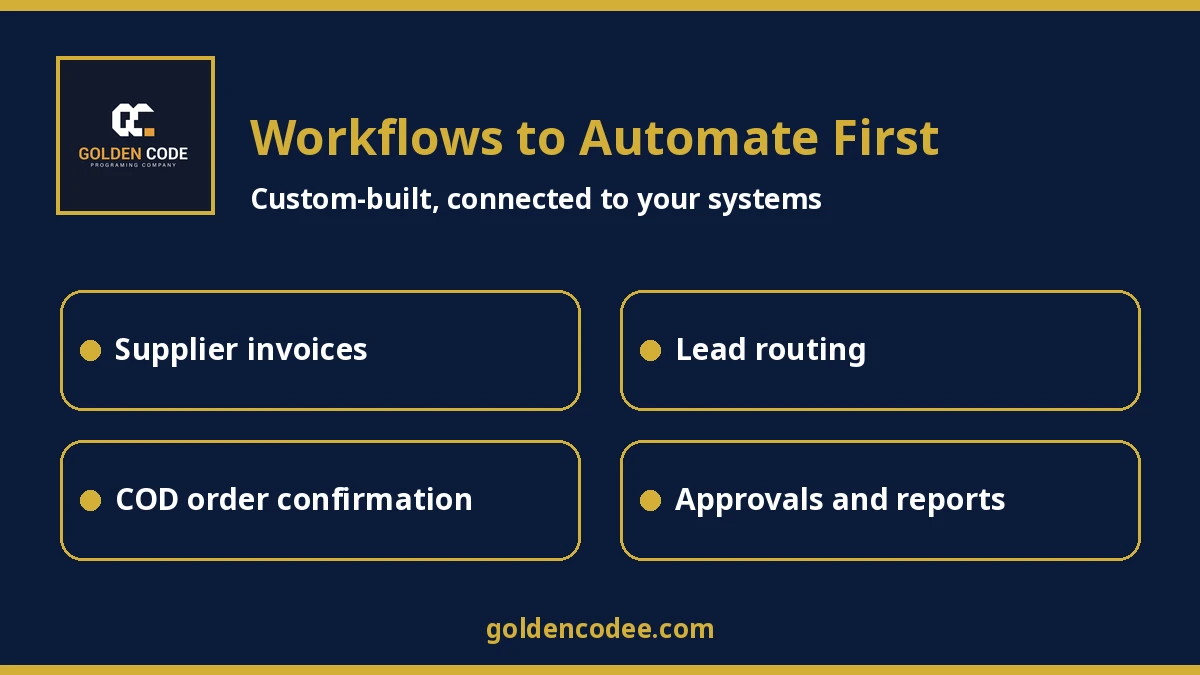
- Supplier invoices and expenses. AI reads the PDF or photo, extracts the supplier, amounts and lines, and the system checks it against the purchase order. Accounting approves it with one click. In Egypt and Saudi Arabia this often feeds into e-invoicing records, so the data has to be right.
- Lead routing. Leads from ads, the website form and WhatsApp land in one place. They are de-duplicated, tagged by city or product, and assigned to the right salesperson, with a follow-up reminder if nobody responds.
- Order confirmation and cash on delivery. For Egyptian stores, unconfirmed COD orders are expensive. The workflow sends a confirmation, waits, and either releases the shipment or flags the order.
- Approvals. Purchase requests, discounts above a limit, and leave requests go through a clear approval chain with a record of who approved what and when, not an "ok" lost in a group chat.
- Collections and reminders. Invoices due this week trigger polite reminders in Arabic or English, and anything overdue goes to a person.
- Daily and weekly reports. Sales, stock and cash numbers are pulled from the systems automatically, and AI writes a short summary in plain language for the manager.
- Inbox triage. AI sorts incoming emails (complaint, quote request, invoice, job application) and sends each one to the right queue.
Pick the one that costs your team the most hours, not the one that sounds most impressive.
Ready-made tools vs a custom-built workflow
Golden Code only builds custom software from scratch; we do not sell ready-made tools. Still, tools like Zapier and n8n are a fair comparison, and for some teams they are the right answer.
| Ready automation tools (Zapier, n8n, Make) | Custom-built workflow | |
|---|---|---|
| Start-up cost | Low; plans are charged by usage. n8n's Starter plan lists 2.5K workflow executions for €20/month billed annually (n8n pricing); Zapier's free plan lists 100 tasks per month (Zapier pricing) | Higher one-time build cost |
| Running cost | Grows with tasks or executions | Hosting, AI usage and maintenance |
| Best for | Connecting popular SaaS apps with simple logic | Your own database, local systems, complex rules, Arabic documents |
| Data | Passes through the tool's servers unless self-hosted | Stays in your own infrastructure |
| When it breaks | Often discovered by a customer | Logged, alerted and retried by design |
My honest rule: if your workflow connects two well-known apps and the logic fits on a sticky note, start with a tool. Go custom when the workflow touches your own database or an internal system, when the rules have exceptions, or when the volume makes per-task pricing expensive.
What makes an automation reliable
Most automations that fail do not fail because the AI is weak. They fail because nobody planned for the unhappy path. In the systems I build in Laravel, these are non-negotiable:
- Queues and retries. If the accounting API is down, the job waits and tries again; it does not vanish.
- Idempotency. The same webhook arriving twice must not create two invoices.
- Validation of AI output. Extracted totals have to add up, and dates and tax numbers have to be in a valid format. Anything uncertain goes to a person.
- Human approval where it matters. Payments, refunds, discounts and anything sent to a customer for the first time.
- Audit log. Every step records what happened, when, and why.
- Alerts. A failed run notifies the right person the same day.
How to run your first automation project
Step 1: List your repetitive work
For one week, ask each team member to note tasks they repeat, how often, and how long each takes. Plain notes are enough.
Step 2: Pick one workflow with clear value
Choose the workflow with the most hours and the clearest rules. Write down what "done" looks like.
Step 3: Map the systems and data involved
List every system the workflow touches, how data gets in and out (API, export, email), and who owns each one.
Step 4: Decide where AI helps and where a human approves
Mark which steps are fixed rules, which need AI to read or sort messy input, and which need a person's approval.
Step 5: Build, then test with real past cases
Run the workflow on last month's real documents or orders and compare the results with what your team actually did.
Step 6: Launch in parallel and measure
Run it alongside the manual process for two to four weeks, measure time saved and error rate, then switch over and pick the next workflow.
FAQ
What is AI automation for business?
It is software that runs a repeated business workflow end to end. Fixed rules handle most steps, and AI handles the parts that need reading or judgement, such as extracting data from documents or sorting messages.
Is AI automation the same as an AI agent?
No. A workflow follows defined steps, with AI as one of them. An agent decides its own steps toward a goal. Most businesses get faster value from workflows first.
Which tasks should a small business automate first?
The ones repeated most often with clear rules: invoice entry, lead routing, order confirmation, approvals, reminders and recurring reports.
Should I use Zapier or n8n, or build a custom system?
Use a ready tool for simple links between popular apps. Build custom when you need your own database, internal or local systems, complex exceptions, Arabic document handling, or when usage-based pricing grows with volume. If you already run n8n, see n8n self-hosted vs cloud vs custom code.
Can AI automation handle Arabic documents and messages?
Yes, but it needs testing on your real documents, and the output should be validated. Handwritten or low-quality scans should go to human review.
Is it safe to let automation touch our financial data?
It can be, when it runs on your infrastructure with permissions, validation, audit logs and human approval for payments and refunds.
Sources
- Korn Ferry, AI Adoption in Human Capital: GCC Report 2026
- Consultancy-me, Gulf businesses race ahead on AI as governance and cyber defences lag (20 October 2026)
- Roland Berger, 4 in 5 GCC organizations have an AI strategy
- OECD.AI, Egypt National Artificial Intelligence Strategy; ITIDA, Egypt accelerates AI adoption
- Tool pricing pages: n8n, Zapier
All figures were read on the source pages on 28 October 2026 and may change.
Thinking about automating a workflow?
If your team still runs the business from spreadsheets and chat groups, send us a short description of the one workflow that eats the most hours. We will tell you honestly whether a ready tool is enough or a custom build makes sense. For teams moving off Excel, our proposed Admin Dashboard / Mini CRM package starts at 49,000 EGP. It covers up to six modules with roles and Excel import, and the final price is confirmed after scoping. You can reach the Golden Code team through our contact page.
About the author: Mohamed Samy is a senior backend developer at Golden Code with 7 years of experience building custom Laravel and PHP systems, integrations and automation for businesses in Egypt and the Gulf.