Blog details


n8n self-hosted vs cloud for business: pricing, security updates, n8n 3.0 changes, and when to move workflow logic into custom code. 6 steps.
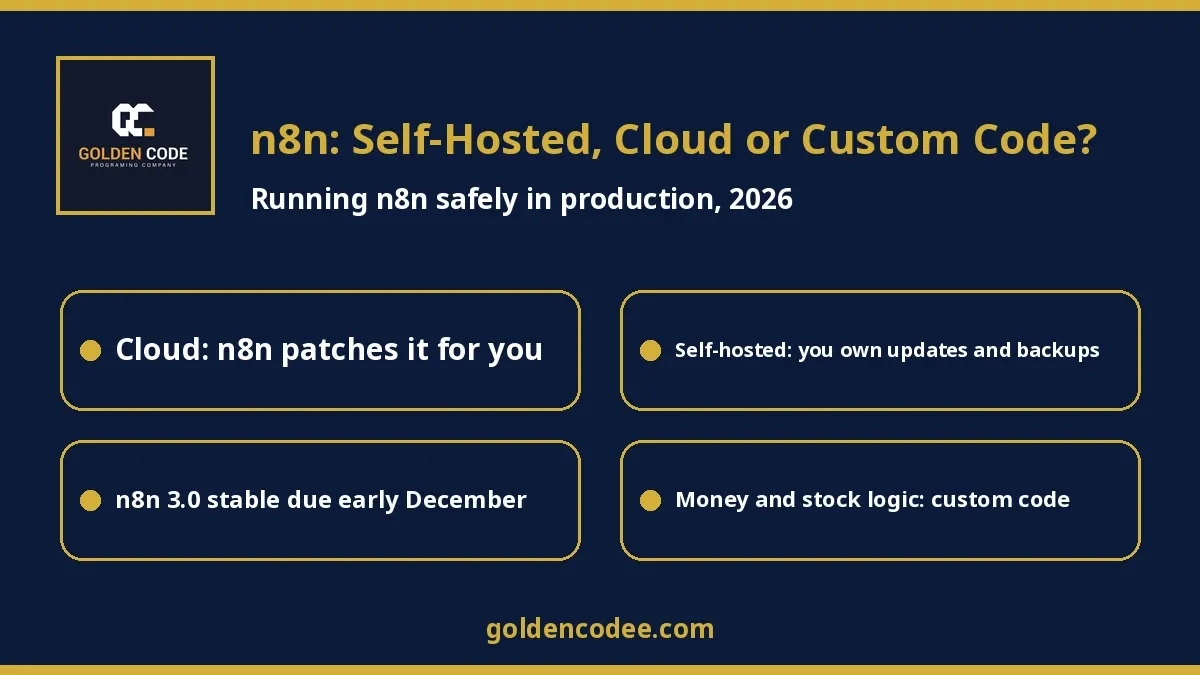
Short answer: If your team is not used to running servers, start with n8n Cloud. n8n hosts it, patches it and upgrades it for you, and paid plans start at €20 a month billed annually. Self-hosted n8n is free under the Community edition, but n8n itself recommends it "for expert users". You become responsible for security patches, which n8n now publishes in a bi-weekly security update, as well as backups and the move to n8n 3.0. Once a workflow starts moving money, stock or customer records, or carries real business rules, put that logic into custom code and let n8n call it. For most businesses the answer is not n8n or code but both, each doing the job it is good at.
By Mohamed Samy, senior Laravel/PHP backend developer (7 years). Published: 2 November 2026. Last updated: 2 November 2026.
The last week of October was busy for anyone running n8n. On 27 October, n8n released the n8n 3.0 beta with breaking changes, and said the stable release "follows in early December". The next day, it published its bi-weekly security update listing 12 new advisories, three of them rated High. Earlier in the year, SAP invested in n8n at a $5.2bn valuation, and n8n said it now has "1.7 million monthly active builders". In Egypt, n8n has been searched far more than Zapier over the past 12 months on Google Trends.
I build custom systems and integrations in Laravel and PHP for companies in Egypt and the Gulf, and n8n keeps coming up in those conversations. Usually someone on the team built a few useful workflows, the business started depending on them, and now the questions are practical. Where should it run? Who patches it? What happens with 3.0? Which parts should become real code? My broader guide to AI automation for business covers what to automate. This one covers how to run n8n safely once you have chosen it.
What n8n is, in business terms
n8n is a workflow automation platform. You connect apps and services with visual "nodes": a new order arrives, n8n checks it, writes a row to a sheet, sends a WhatsApp message and posts a summary to Slack. It also has AI features; the pricing page lists "Agents, MCP and AI nodes" even in the Starter plan. Unlike Zapier, you can run it on your own server. For many teams that is the appeal, and it is also where most of the risk lives.
Three ways to run n8n
According to n8n's own guide to choosing how to use n8n and its pricing page, checked on 2 November 2026, the realistic options are:
| Option | Who runs the server | Price on n8n's pricing page | Good fit |
|---|---|---|---|
| n8n Cloud (Starter / Pro) | n8n | Starter €20/month and Pro €50/month, billed annually (2.5K and 10K workflow executions) | Teams without someone to run servers |
| Self-hosted Community edition | You | Free; n8n describes it as "almost the complete feature set" | Teams with real server and security experience |
| Self-hosted Business | You | €667/month billed annually (40K executions), "Self-hosted only" | Companies needing SSO, Git version control, environments and queue mode |
| Enterprise | n8n or you | Contact sales | Strict compliance and governance |
Two details from the pricing page matter more than the numbers. Pricing "is based on monthly workflow executions, regardless of complexity". All plans include "unlimited users & workflows and every integration". So a workflow with 30 steps costs the same per run as one with 3, and your bill grows with how often workflows run, not how big they are.
One more thing before you choose: the license. n8n is not classic open source. Its license says: "You may use or modify the software only for your own internal business purposes or for non-commercial or personal use." Running n8n for your own company's operations is the normal case. If you plan to put n8n inside a product you sell to your customers, or host it for clients, read the license carefully and ask n8n or a lawyer first. I am not giving legal advice here; I am pointing at the sentence you need to read.
Self-hosting means you now own a server, and its security
Self-hosting looks free, and the software is. The work is not. n8n's own Docker Compose guide is direct about it: "n8n recommends self-hosting for expert users. Mistakes can lead to data loss, security issues, and downtime."
The security record in 2026 shows why:
- On 7 January 2026, n8n published a critical advisory, CVE-2026-21858, rated 10.0. It allowed access to files on the server through certain form-based workflows, and the advisory warns: "A vulnerable workflow could grant access to an unauthenticated remote attacker." The fix was version 1.121.0.
- On 25 February 2026, a security bulletin listed five critical issues, including remote code execution and sandbox escapes, fixed in 1.123.22, 2.9.3 and 2.10.1.
- By 28 October 2026, n8n was publishing a "bi-weekly security update". That one listed 12 advisories fixed in 1.123.89, 2.45.5, 2.46.1 and 3.0.1.
Here is the line that matters most for the cloud-versus-self-hosted decision, from the same October update: "If you are running a cloud version of n8n, your instance is patched automatically, and no action is required." On self-hosted, you must notice each update, test it and apply it. Several of this year's critical advisories required a logged-in user with permission to create or modify workflows, so who has editor access matters as much as the version number.
Backups are the other quiet risk. n8n's backup guide explains that a complete backup includes the .n8n folder, whose config file "stores the credential encryption key", as well as your database. Back up the database without that key and your saved credentials cannot be decrypted after a restore. Test a restore before you need one.
n8n 3.0: what changes if you self-host
The n8n 3.0 announcement is mostly about reliability and security. A few points affect self-hosted teams directly:
- "Self-hosted n8n now runs on Docker. Installing with npm or npx n8n is no longer supported." If someone installed your n8n with npm on a VPS, plan a move to Docker first.
- "The default Code node timeout (task runner) drops from 5 minutes to 1 minute, and it's configurable." Long Code nodes that worked before may start failing.
- The old Cron and Interval nodes are replaced by the Schedule Trigger.
- "Unverified community packages are off by default."
- "The Migration Report in your instance tells you exactly which ones" need changes, so run it before you upgrade.
Stable 3.0 is due in early December. My advice is to run the Migration Report now, upgrade a copy of your instance first, and keep the beta out of production.
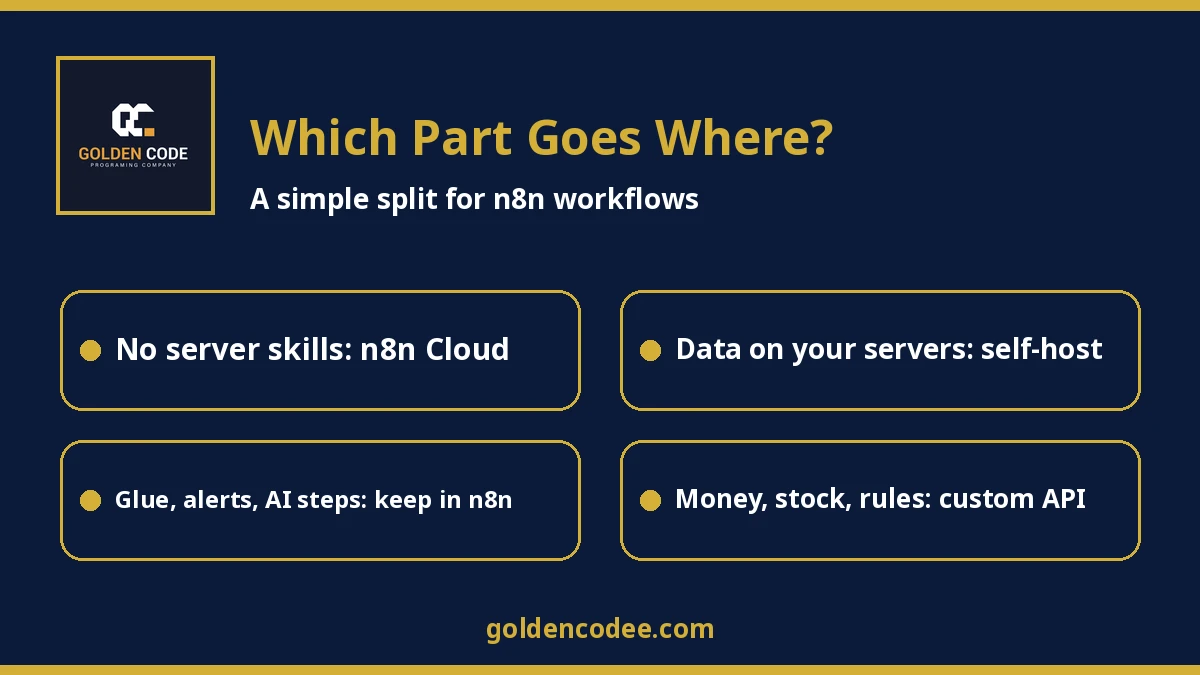
Where n8n should stop and custom code should start
n8n is excellent glue. It connects systems, routes events, sends notifications, builds reports and runs AI steps such as classifying an email. I would keep using it for all of that. These are the signs that a workflow, or part of one, should move into a custom backend:
- It writes money, stock or bookings. If a step fails halfway, you need database transactions and a guarantee that a retried run will not charge or reserve twice. That is easier to prove in tested code.
- The business rules keep growing. When pricing, approval or eligibility rules spread across ten IF nodes and three Code nodes, nobody can review them safely. In code, the same rules get tests and code review.
- Customers depend on it directly. A customer-facing booking or order flow needs proper validation, error messages and monitoring, not a webhook that silently fails.
- Volume and timing matter. Laravel, for example, has queues with retries, and failed jobs are stored in a
failed_jobstable so they can be inspected and replayed. - You need clear audit and access control on who changed what, beyond what your n8n plan includes.
The pattern I recommend most is hybrid. The core logic lives in a custom API, built for your business, which owns the data and the rules. n8n calls that API with a single HTTP Request node and handles everything around it: triggers from other apps, notifications, sheets and AI steps. Your team can still change the glue without a developer, and the part that can lose money is tested code.
How to decide in 6 steps
Step 1: List the workflows the business already depends on
Open your n8n instance and write down every active workflow, what triggers it, which systems it touches and who notices if it stops. This list usually surprises people.
Step 2: Mark the risky steps
For each workflow, mark the steps that write money, stock, bookings or customer data, and the steps that hold real business rules. Those marks decide almost everything that follows.
Step 3: Choose where n8n runs
No one on the team who patches servers and tests restores? Use n8n Cloud. Data that must stay on your own infrastructure, plus the skills to run it? Self-host, and assign a named person to the security updates.
Step 4: Lock down a self-hosted instance
Run it in Docker, limit who can edit workflows, keep it behind HTTPS, subscribe to n8n's security advisories, and back up the .n8n folder with the encryption key alongside the database. Test a restore.
Step 5: Move the risky logic into code, one workflow at a time
Start with the workflow that would hurt most if it failed. Build its core as a tested API or job. Point n8n at it, run old and new side by side on real cases, then switch.
Step 6: Prepare for n8n 3.0
Run the Migration Report, fix what it flags, upgrade a copy, test your main workflows, and only then upgrade production after the stable release.
FAQ
Is self-hosted n8n really free?
The Community edition software is free, and n8n describes it as "almost the complete feature set". You still pay for the server and for the time someone spends on updates, backups and monitoring. Paid self-hosted features such as SSO and Git version control need a Business or Enterprise license.
Is n8n Cloud or self-hosted more secure?
Neither is automatically secure. On n8n Cloud, n8n says instances are "patched automatically". On self-hosted, security depends on how quickly you apply updates, who can edit workflows and how the server is set up.
Can I use n8n to build automations for my clients?
The license allows use "only for your own internal business purposes or for non-commercial or personal use", with more conditions after that. If you want to host or resell n8n for clients, read the full license and confirm with n8n before you build a service on it.
What changes in n8n 3.0 for self-hosted users?
Self-hosted n8n runs on Docker only, the Code node timeout drops to 1 minute by default, old Cron and Interval nodes are replaced, and unverified community packages are off by default. The stable release is planned for early December 2026.
When should I replace n8n with custom code?
Usually not all at once. Move the parts that handle money, stock, bookings or complex rules into tested code, and keep n8n for connecting apps, notifications and AI steps.
Can n8n work with my existing Laravel or PHP system?
Yes. The cleanest way is to give your system a small, secure API and let n8n call it. n8n can also receive webhooks from your system. The API approach keeps the business rules inside your system, where they can be tested.
Sources
- n8n: Introducing n8n 3.0 (27 October 2026)
- n8n Community: Security update, 28 October 2026
- n8n Community: Security bulletin, 25 February 2026
- GitHub advisory GHSA-v4pr-fm98-w9pg (CVE-2026-21858)
- n8n: Plans and pricing
- n8n Docs: Choose how to use n8n
- n8n Docs: Docker Compose self-hosting
- n8n Docs: Back up and restore
- n8n license (Sustainable Use License)
- n8n: SAP's strategic investment (12 May 2026)
- Laravel docs: Queues
- Google Trends: n8n vs Zapier, Egypt, past 12 months
All sources were checked on 2 November 2026. Prices and versions change often, so check n8n's pages before deciding.
Want a second opinion on your n8n setup?
If your business already runs on n8n workflows, send us a short description: what the main workflows do, where n8n runs today, and which steps touch money, stock or customer data. We will tell you honestly what can stay in n8n, what should move to n8n Cloud, and what is worth building as custom code. Golden Code builds custom backends and APIs; we do not resell n8n or host it for you. We will send a quote after we review your setup. You can reach the team through our contact page.
About the author: Mohamed Samy is a senior backend developer at Golden Code with 7 years of experience building custom Laravel and PHP business systems, integrations and automation for companies in Egypt and the Gulf.